Best Graphic Design Tools in 2026: Software Every Designer Should Know
Graphic design has changed dramatically over the years. What once required expensive computers, complicated software, and years of technical experience can now be done with powerful design tools available for beginners and professionals alike.
Whether you are creating social media posts, logos, website designs, marketing materials, presentations, or complete brand identities, choosing the right graphic design tool can make a huge difference. The best software is not always the one with the most features—it is the one that fits your workflow and helps you bring your creative ideas to life.
With so many design applications available today, finding the right one can feel overwhelming. To make things easier, here are some of the best graphic design tools in 2026 for beginners, freelancers, and professional designers.
1. Adobe Photoshop – Best for Photo Editing and Digital Art
Adobe Photoshop remains one of the most recognized names in the graphic design industry. Although it started as a photo editing tool, it has evolved into a complete creative platform used by designers, photographers, and digital artists worldwide.
Photoshop gives designers complete control over images, colors, typography, and visual effects. From editing product photos to creating complex digital artwork, its possibilities are almost endless.
Key Features
- Advanced photo editing tools
- Layer-based design system
- AI-powered editing features
- Professional color correction
- Digital painting tools
- Extensive plugin support
Best For
Professional designers, photographers, digital artists, and anyone working with advanced image manipulation.
2. Adobe Illustrator – Best for Logo and Vector Design
When it comes to creating logos, icons, illustrations, and scalable graphics, Adobe Illustrator is one of the industry standards.
Unlike Photoshop, which works mainly with pixels, Illustrator uses vector graphics. This means designs can be resized from a small business card logo to a huge billboard without losing quality.
Key Features
- Vector-based design
- Precision drawing tools
- Custom typography options
- Professional logo creation
- Pattern and illustration tools
Best For
Logo designers, branding specialists, illustrators, and professionals creating graphics that need to work at different sizes.
3. Canva – Best Graphic Design Tool for Beginners
Canva has completely changed how beginners approach graphic design. You no longer need years of design experience to create professional-looking visuals.
With thousands of templates and a simple drag-and-drop interface, Canva makes it easy to create social media graphics, posters, presentations, resumes, and marketing materials.
Its AI features have also made designing faster by helping users generate layouts, images, and design suggestions.
Key Features
- Thousands of ready-made templates
- Drag-and-drop editor
- AI design assistance
- Brand kits
- Social media content tools
- Team collaboration
Best For
Beginners, small businesses, marketers, content creators, and social media managers.
4. Figma – Best for UI/UX Design
Figma has become one of the most popular tools for designing websites and mobile applications.
What makes Figma special is its collaboration system. Multiple designers can work on the same project at the same time, making it perfect for remote teams.
Designers can create wireframes, prototypes, user interfaces, and complete design systems all in one place.
Key Features
- Real-time collaboration
- UI design tools
- Interactive prototypes
- Design systems
- Cloud-based workflow
Best For
UI/UX designers, web designers, product teams, and developers working together.
5. Affinity Designer – Best Alternative to Adobe Illustrator
For designers who want professional vector design without a monthly subscription, Affinity Designer is an excellent option.
It provides many of the same capabilities as Illustrator while offering a one-time purchase model.
The software is fast, lightweight, and popular among freelance designers who want powerful tools without ongoing costs.
Key Features
- Vector and raster design modes
- Professional illustration tools
- Smooth performance
- One-time purchase option
- Advanced typography controls
Best For
Freelancers, illustrators, and designers looking for an Adobe alternative.
6. Adobe InDesign – Best for Print Design
While many designers focus on digital content today, print design is still an important part of the industry.
Adobe InDesign is specifically built for creating layouts such as magazines, brochures, books, catalogs, and professional documents.
It handles large amounts of text and images better than most other design programs.
Key Features
- Professional page layouts
- Typography controls
- Multi-page document creation
- Print-ready file export
- Template support
Best For
Graphic designers working on magazines, brochures, books, and marketing materials.
7. Procreate – Best for Digital Drawing
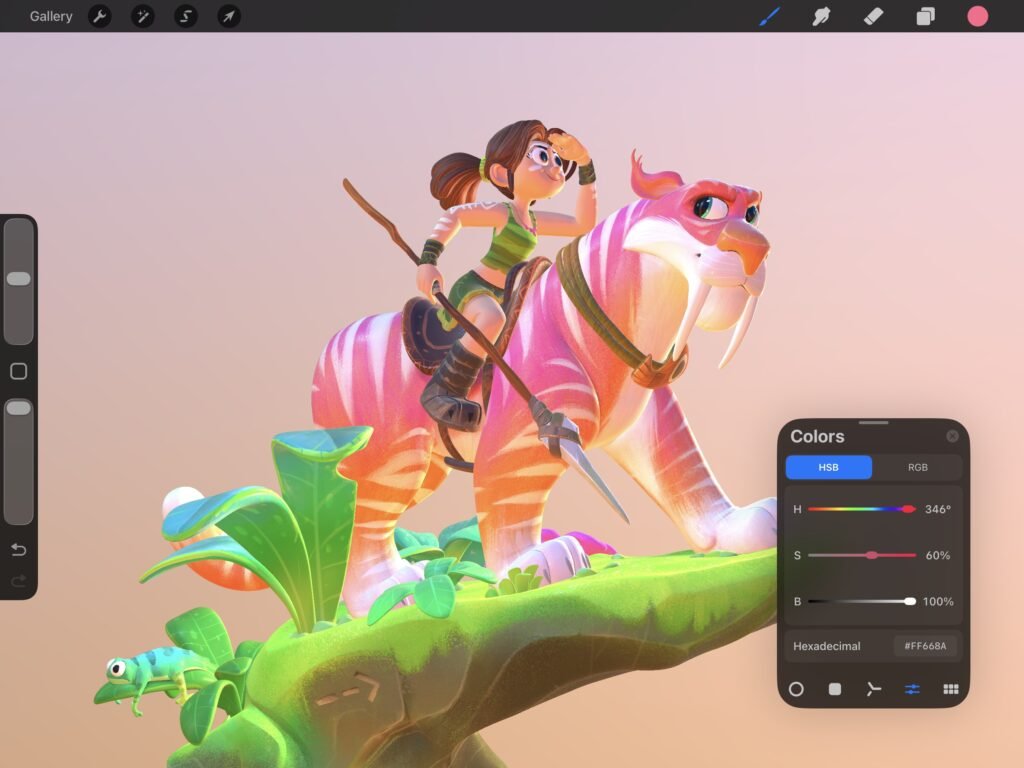
For artists who prefer drawing by hand, Procreate has become one of the most popular digital illustration apps.
Designed mainly for iPad users, it provides a natural drawing experience with realistic brushes and powerful creative tools.
Many illustrators use it to create artwork, concept designs, character illustrations, and digital paintings.
Key Features
- Realistic brushes
- Apple Pencil support
- Animation tools
- Layer-based editing
- Time-lapse recording
Best For
Digital artists, illustrators, and creative professionals who enjoy sketching.
8. Blender – Best for 3D Design and Animation

Graphic design is no longer limited to 2D images. Many modern designers are exploring 3D graphics, animations, and interactive visuals.
Blender is a powerful open-source tool that allows users to create 3D models, animations, visual effects, and realistic renders.
The best part? It is completely free.
Key Features
- 3D modeling
- Animation
- Rendering
- Visual effects
- Motion graphics
Best For
3D designers, motion designers, game artists, and creative professionals.
9. Sketch – Best for Mac-Based UI Design

Sketch has been a favorite among Mac designers for years. It focuses specifically on digital product design and provides a clean environment for creating interfaces.
Although competition from Figma has increased, Sketch remains popular among many professional design teams.
Key Features
- UI design tools
- Prototyping features
- Design libraries
- Plugin support
- Developer handoff tools
Best For
Mac users working in UI/UX design.
10. GIMP – Best Free Photoshop Alternative
For designers who need powerful editing features without paying for software, GIMP is one of the best free options available.
It offers many Photoshop-like features, including layers, filters, brushes, and image editing tools.
While the interface may take some time to learn, it provides excellent value for users on a budget.
Key Features
- Free and open source
- Advanced image editing
- Layer support
- Custom brushes
- Plugin support
Best For
Students, beginners, and designers looking for a free Photoshop alternative.