Top Free and Paid Video Editors to Create Stunning Reels in 2026
Short-form videos have become the fastest way to grow on social media. Whether you’re posting on Instagram Reels, TikTok, YouTube Shorts, or Facebook, a well-edited video can make a huge difference. Smooth transitions, engaging captions, color correction, and background music all help keep viewers watching.
The good news is that you don’t need expensive software to create professional-looking reels. There are excellent free video editors available, and if you’re ready to invest, paid editors offer powerful features that can save time and improve quality.

Here’s a look at some of the best free and paid video editing software available today.
Best Free Video Editors
1. CapCut
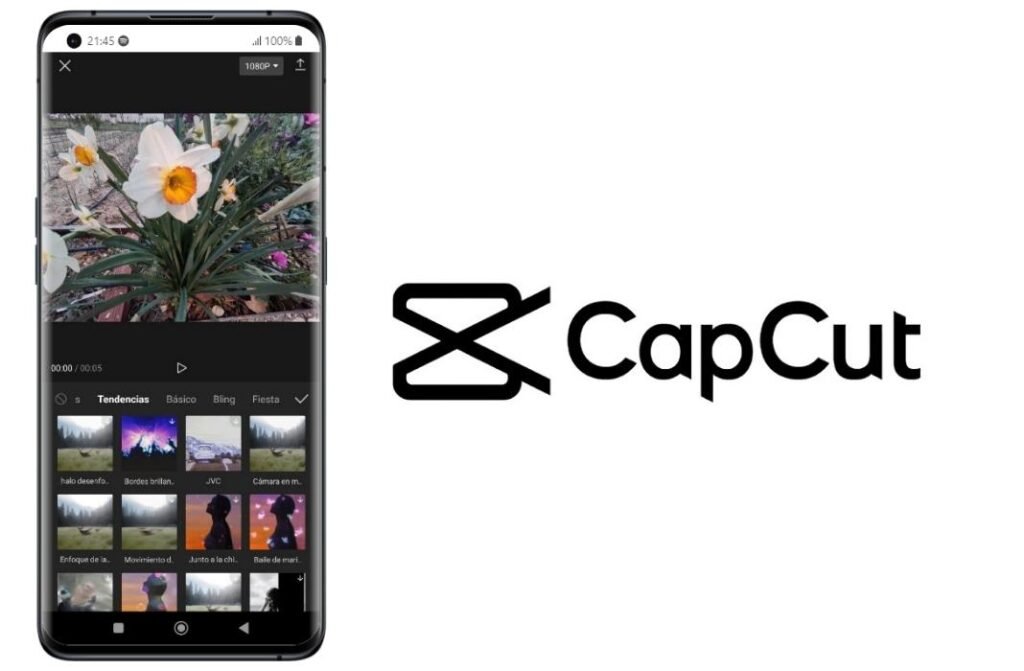
CapCut has become one of the most popular video editing apps for creators. Its simple interface makes editing easy even for beginners, while still offering advanced features like keyframe animation, AI tools, automatic captions, and trendy transitions.
Pros
- Free to use
- Auto captions
- Large collection of effects and transitions
- Mobile and desktop versions
- Beginner-friendly
Cons
- Some premium effects require a subscription
- Occasional watermark on certain templates
Best For: Instagram Reels, TikTok, YouTube Shorts, beginners.
2. DaVinci Resolve
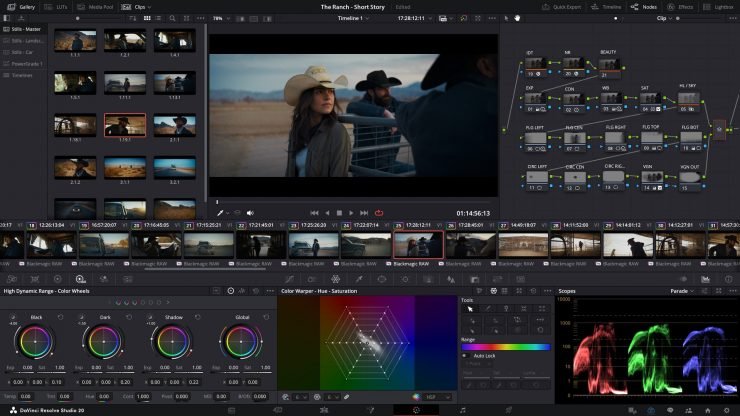
If you’re looking for professional-quality editing without paying anything, DaVinci Resolve is hard to beat. It’s widely used in the film industry and includes advanced color grading, visual effects, audio editing, and motion graphics.
Although it has a steeper learning curve, the free version includes far more features than most editors.
Pros
- Professional-grade editing
- Outstanding color correction
- No watermark
- Powerful audio tools
Cons
- Requires a powerful computer
- Takes time to learn
Best For: Professional creators and filmmakers.
3. VN Video Editor
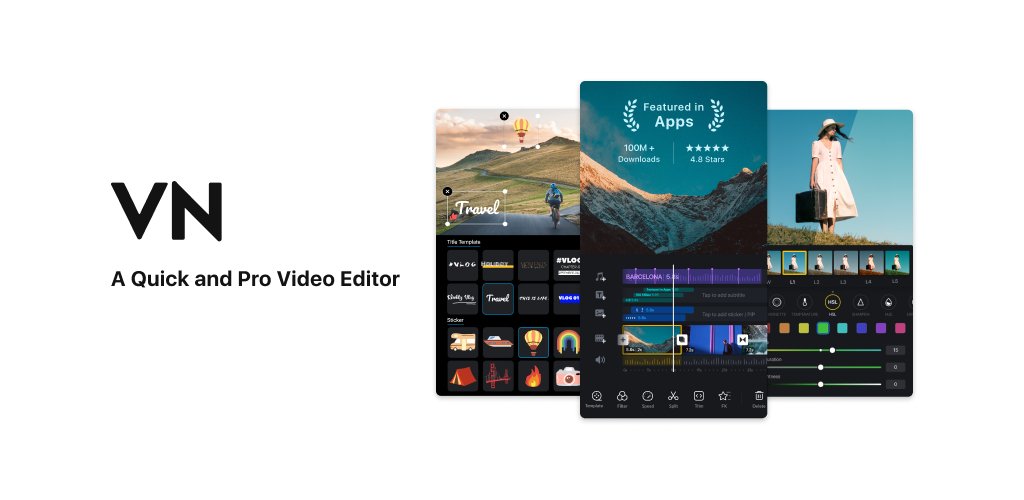
VN Video Editor offers a clean, easy-to-use interface without overwhelming users. It supports multi-layer editing, speed controls, keyframes, filters, and transitions, making it perfect for social media creators.
Pros
- No watermark
- Fast performance
- Easy timeline editing
- Great for mobile editing
Cons
- Smaller effects library than CapCut
Best For: Daily content creators and beginners.
4. Canva Video Editor
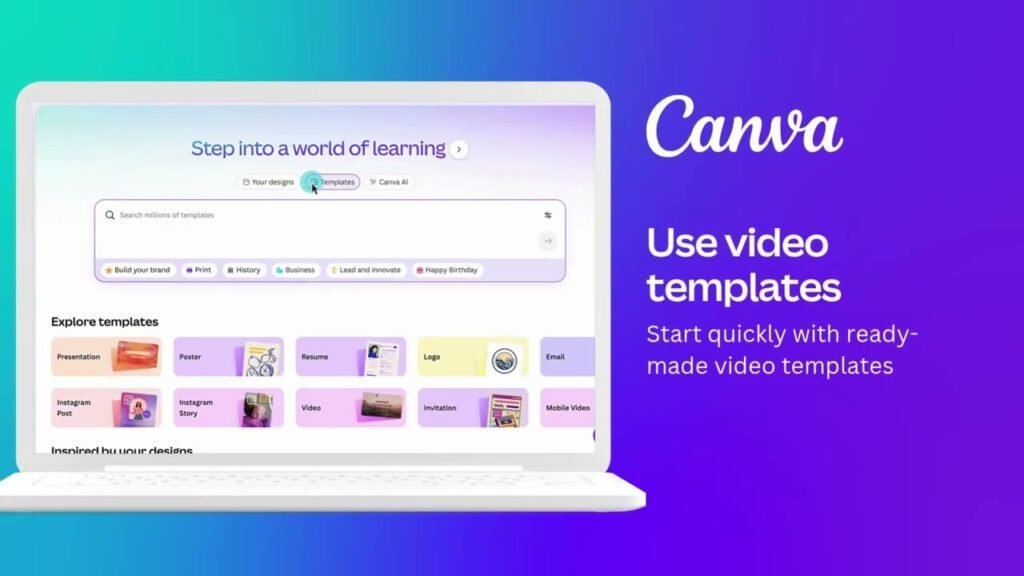
Canva isn’t just for graphic design anymore. Its built-in video editor allows users to create reels with animations, text, stock footage, music, and brand templates.
It’s especially useful for businesses and marketers.
Pros
- Drag-and-drop interface
- Thousands of templates
- Excellent for branded content
- Cloud-based editing
Cons
- Limited advanced editing features
Best For: Businesses, marketers, and educators.
5. Clipchamp
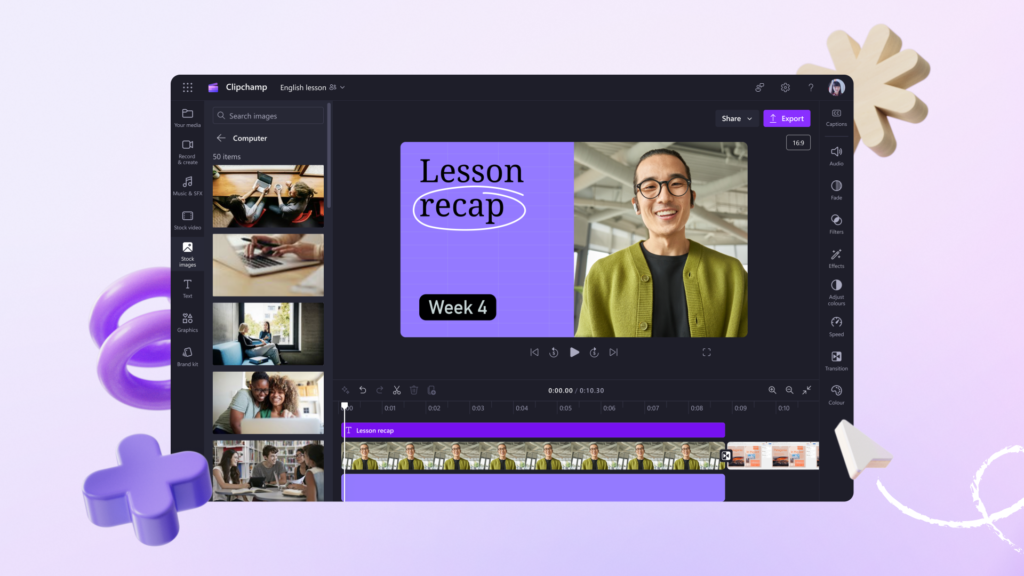
Clipchamp comes pre-installed on many Windows computers and provides an excellent balance between simplicity and functionality. It includes templates, transitions, stock assets, and voice recording.
Pros
- Easy to use
- Built into Windows
- Cloud storage support
- Free HD exports
Cons
- Some premium assets require payment
Best For: Casual creators and students.
Best Paid Video Editors
1. Adobe Premiere Pro
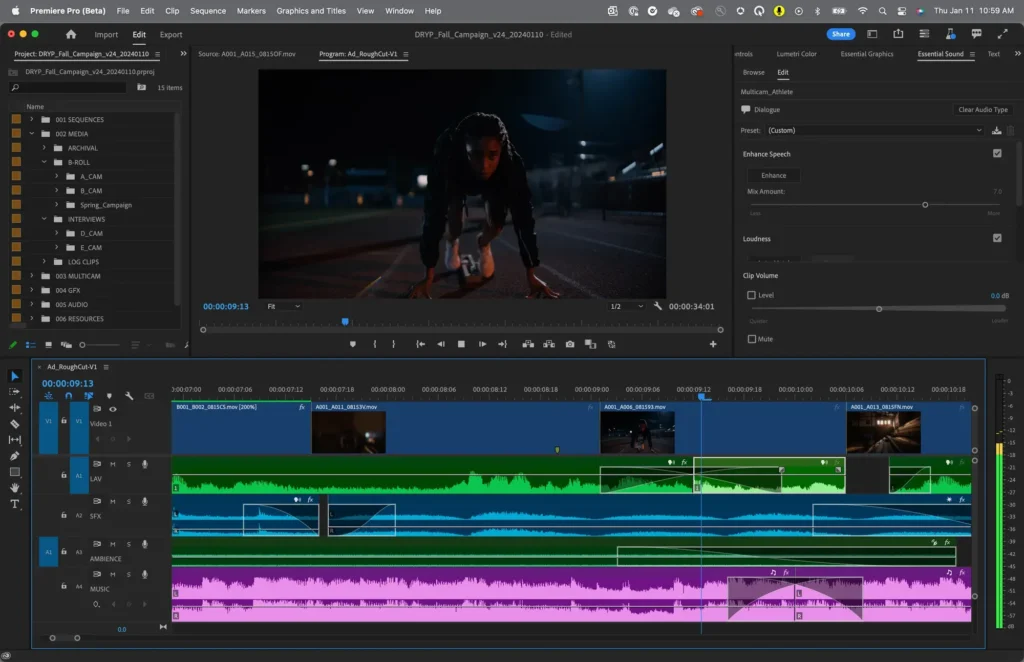
Adobe Premiere Pro is one of the most widely used video editors in the creative industry. From YouTubers to Hollywood productions, it offers powerful editing tools, AI-assisted features, motion graphics integration, and seamless compatibility with Adobe Photoshop and After Effects.
Pros
- Professional editing tools
- AI-powered workflow improvements
- Excellent ecosystem with Adobe apps
- Regular updates
Cons
- Monthly subscription
- Can feel overwhelming for beginners
Best For: Professional content creators and video editors.
2. Final Cut Pro
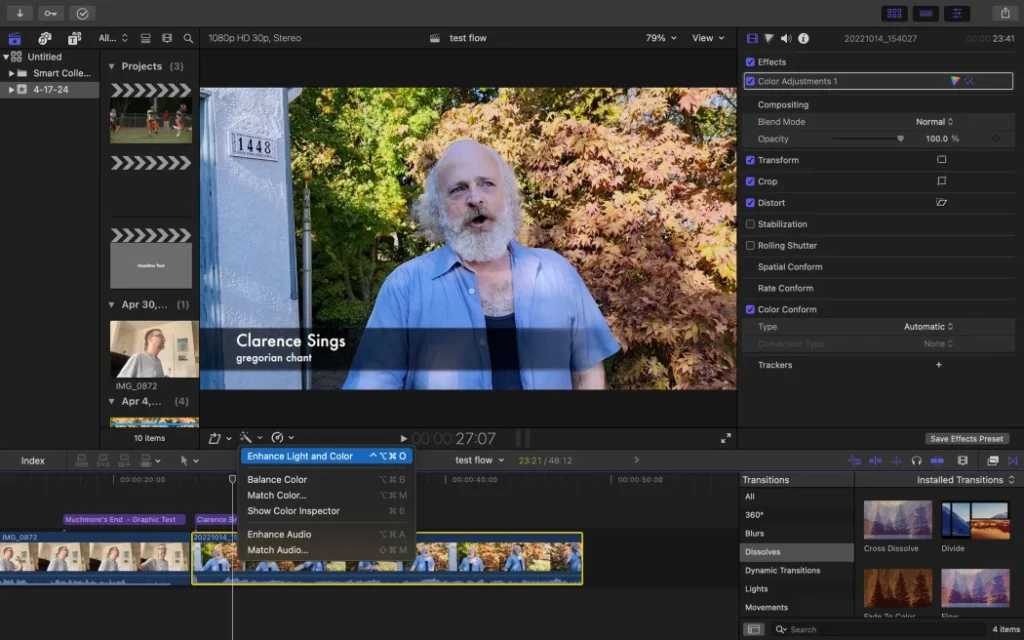
Designed exclusively for macOS, Final Cut Pro delivers exceptional performance thanks to Apple’s hardware optimization. It renders videos quickly and offers magnetic timelines that simplify editing.
Unlike many competitors, it requires only a one-time purchase.
Pros
- Extremely fast on Mac
- One-time payment
- Professional editing tools
- Excellent optimization
Cons
- Mac only
Best For: Mac users creating YouTube videos and reels.
3. Wondershare Filmora
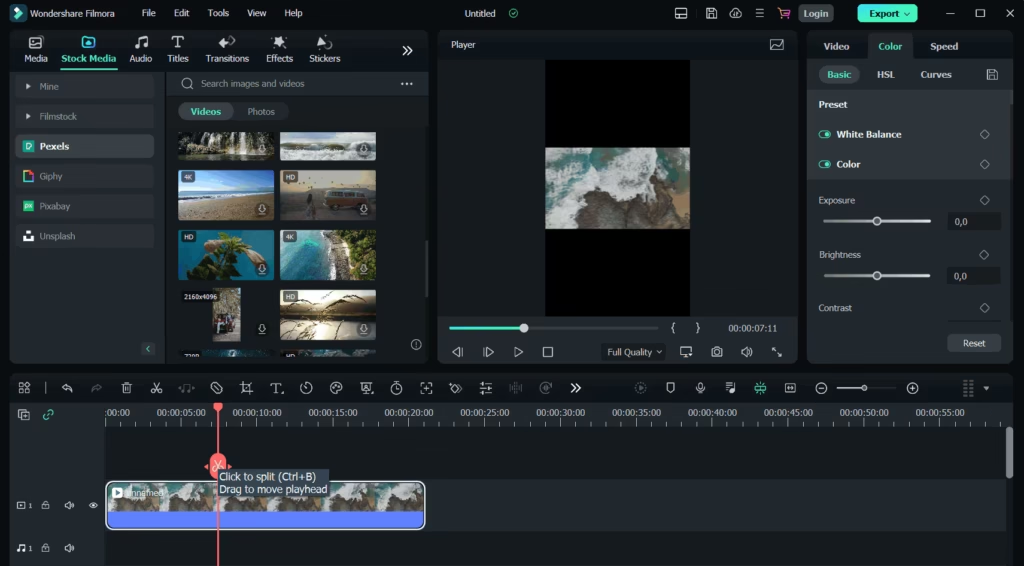
Filmora strikes a perfect balance between beginner-friendly editing and professional features. It includes AI tools, motion tracking, templates, transitions, and effects that help creators produce polished videos quickly.
Pros
- Easy learning curve
- AI editing tools
- Large effects library
- Fast editing workflow
Cons
- Subscription required for full features
Best For: YouTubers, vloggers, and social media creators.
4. CyberLink PowerDirector
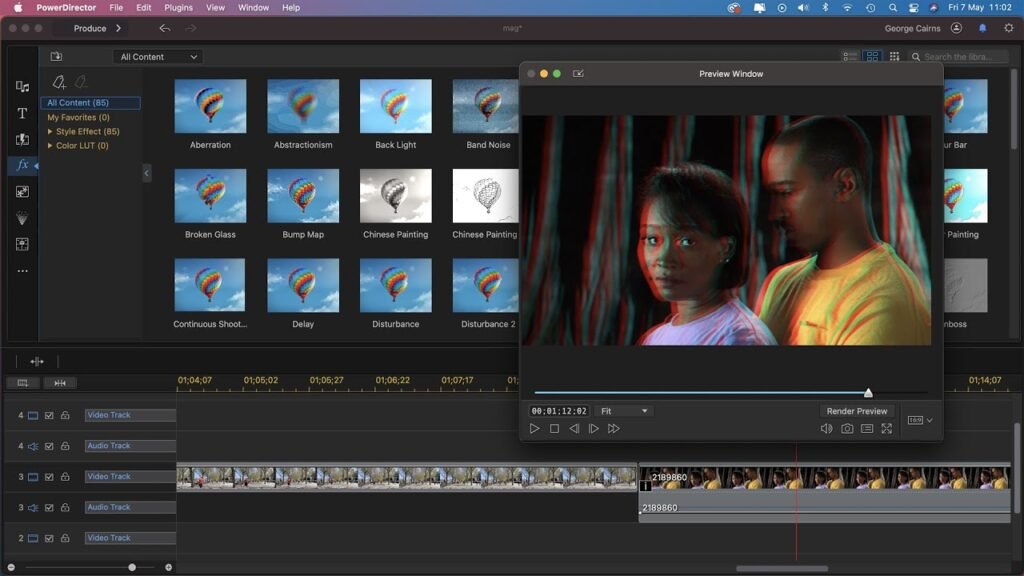
PowerDirector offers impressive editing capabilities without the complexity of professional software. Features like motion tracking, screen recording, AI object removal, and advanced transitions make it a versatile option.
Pros
- Fast rendering
- Beginner-friendly
- AI-powered editing
- Regular feature updates
Cons
- Some advanced features require premium plans
Best For: Intermediate editors and business creators.
5. Camtasia
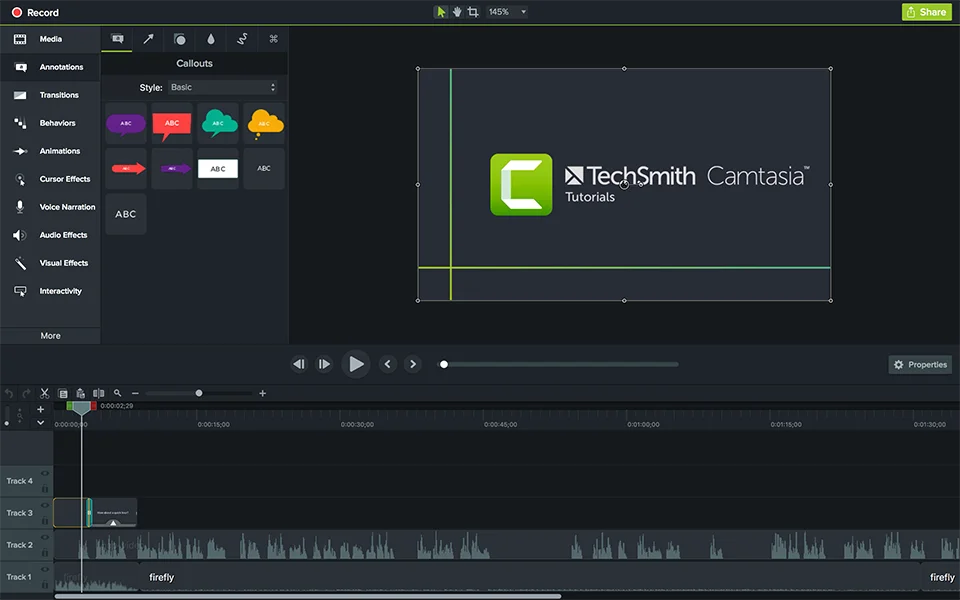
Although primarily known for screen recording, Camtasia is an excellent option for creating tutorials, educational videos, and product demonstrations.
It combines recording and editing into one streamlined workflow.
Pros
- Excellent screen recorder
- Easy editing
- Built-in annotations
- Ideal for educational content
Cons
- Less suitable for cinematic editing
Best For: Online teachers, software reviewers, and trainers.