Top 10 Free Web Apps You Can Use Without Installing Anything
In today’s fast-paced digital world, not everyone wants to download and install software to get work done. Thankfully, there are many free web apps available that work directly in your browser. They save storage space, require no updates, and can be accessed from any device with an internet connection. Here’s a list of 10 free web apps you can start using immediately without installing anything.
1. Canva
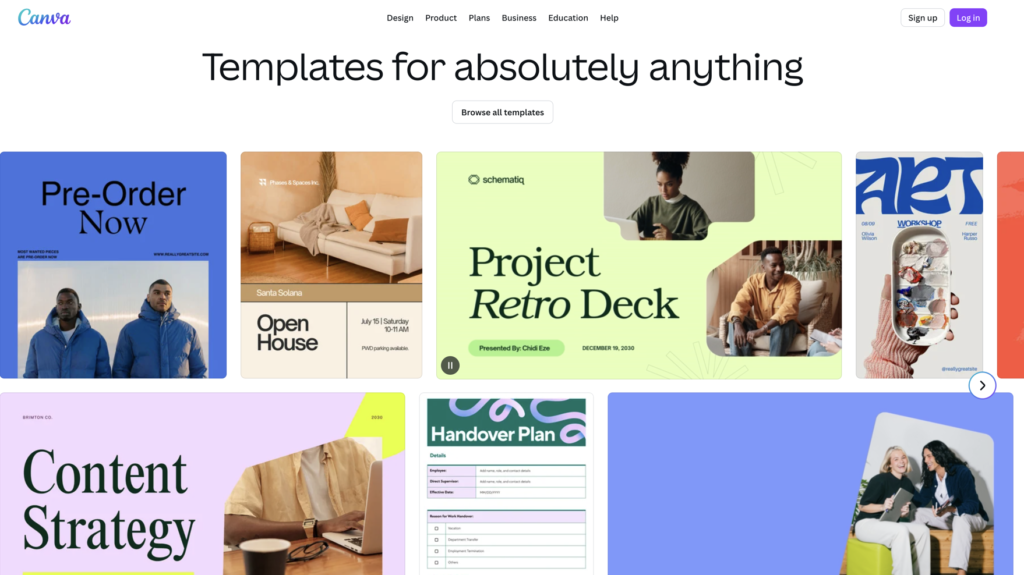
Canva is a reliable and versatile online design tool. Whether you need Logo, Marketing Banners, social media graphics, presentations, posters, or flyers, Canva makes it simple with its drag-and-drop interface. The free version offers thousands of templates and design elements, so you can create professional-looking visuals in minutes.
Website: www.canva.com
2. Google Docs
Google Docs is a cloud-based word processor that allows you to create, edit, and share documents online. It automatically saves your work, supports real-time collaboration, and works on any device with a browser. It’s perfect for students, professionals, or anyone needing to write on the go.
Website: docs.google.com
3. Pixlr
Pixlr is a free online photo editor that works in your browser. It offers many tools similar to Photoshop, including layers, filters, and adjustments. Whether you want to edit a photo quickly or do more detailed graphic work, Pixlr is a great choice.
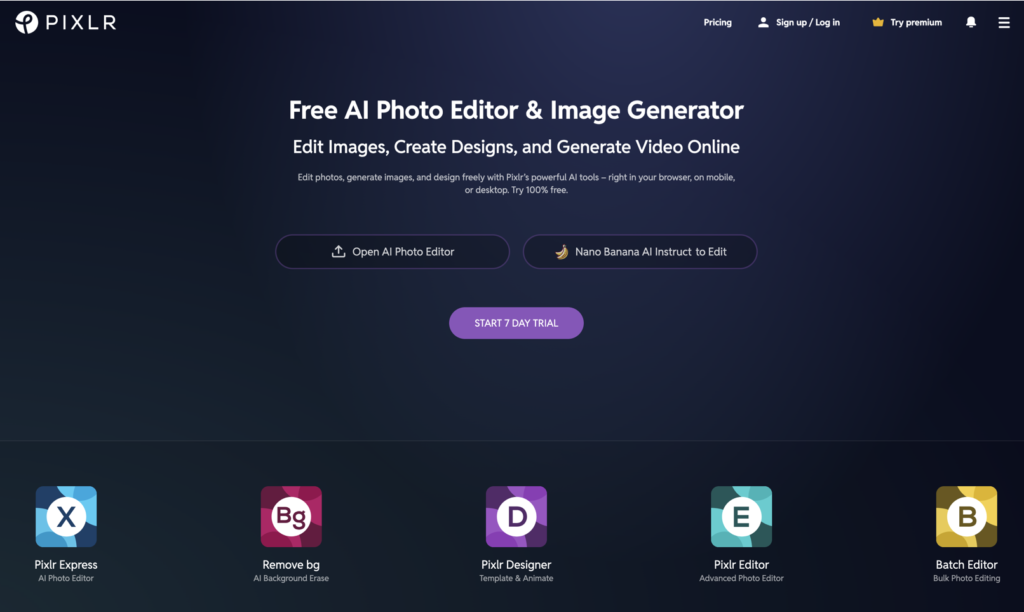
Website: www.pixlr.com
4. Trello
Trello is a project management tool that uses boards, lists, and cards to help you organize tasks. It’s ideal for teams and personal productivity. You can create to-do lists, track progress, and collaborate with others—all from your browser without installing anything.
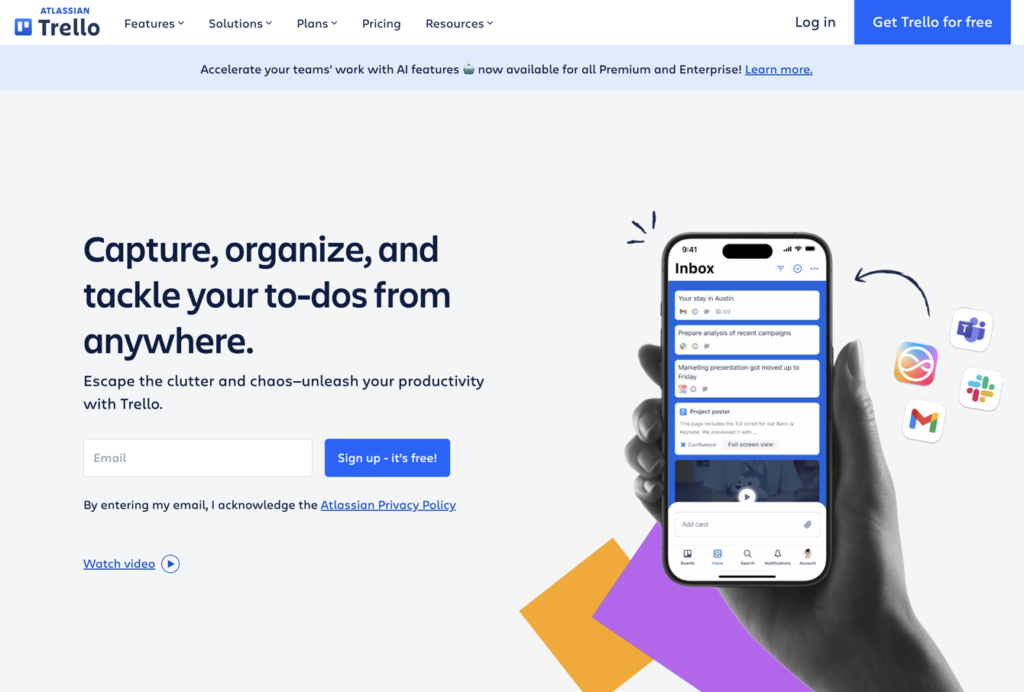
Website: www.trello.com
5. Notion
Notion is an all-in-one workspace that lets you write, plan, and organize your ideas. From notes and databases to task management, Notion is highly customizable. The free web version is sufficient for personal use, making it a powerful productivity app without any installation.
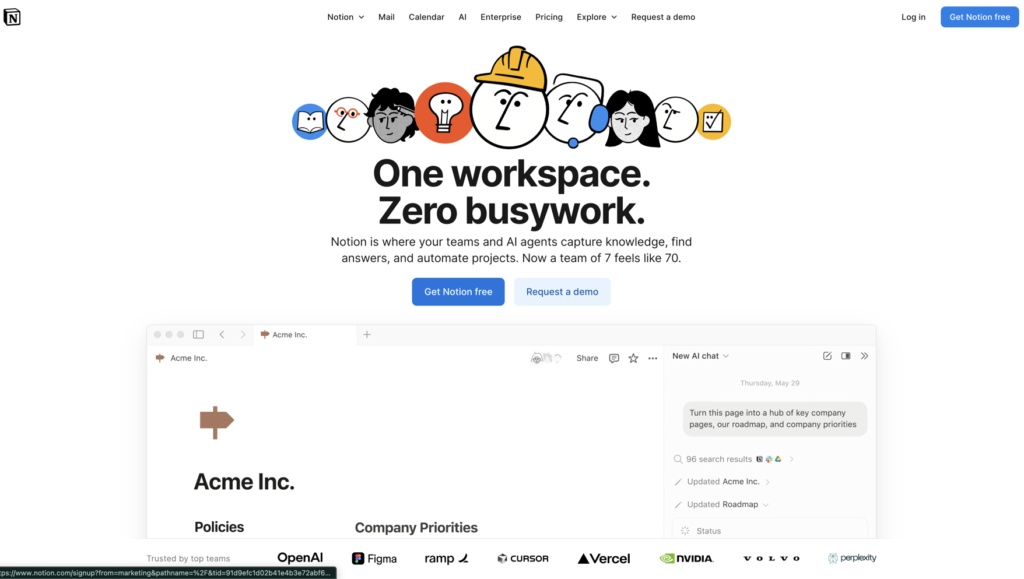
Website: www.notion.so
6. Grammarly
Grammarly’s online editor helps you write better by checking grammar, spelling, and punctuation. It also provides style suggestions and tone detection. You can write directly in Grammarly’s web app or copy your text from other sources for instant correction.
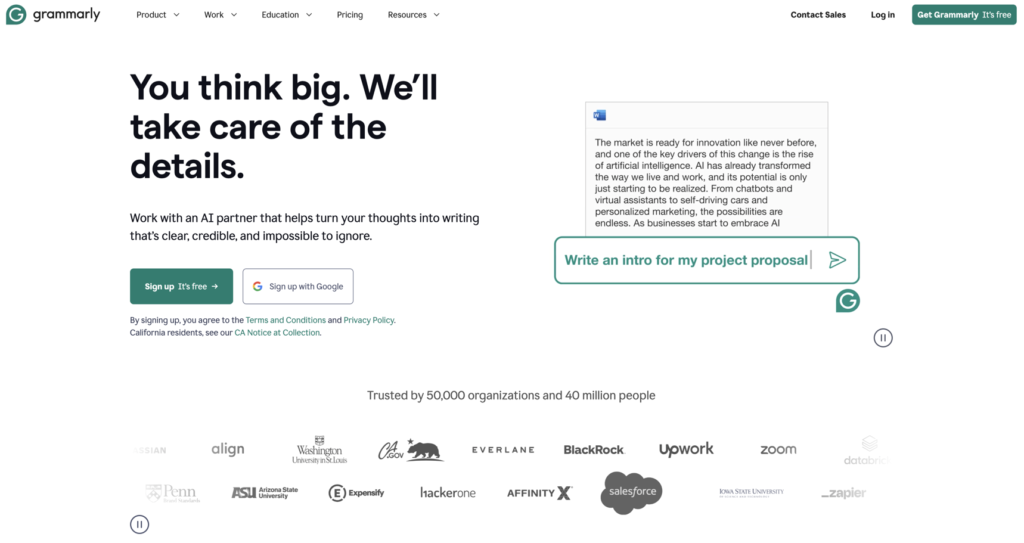
Website: www.grammarly.com
7. Loom
Loom allows you to record your screen, voice, and camera simultaneously. It’s useful for creating tutorials, presentations, or sharing feedback. With the free version, you can create short video messages and share them instantly with a link.
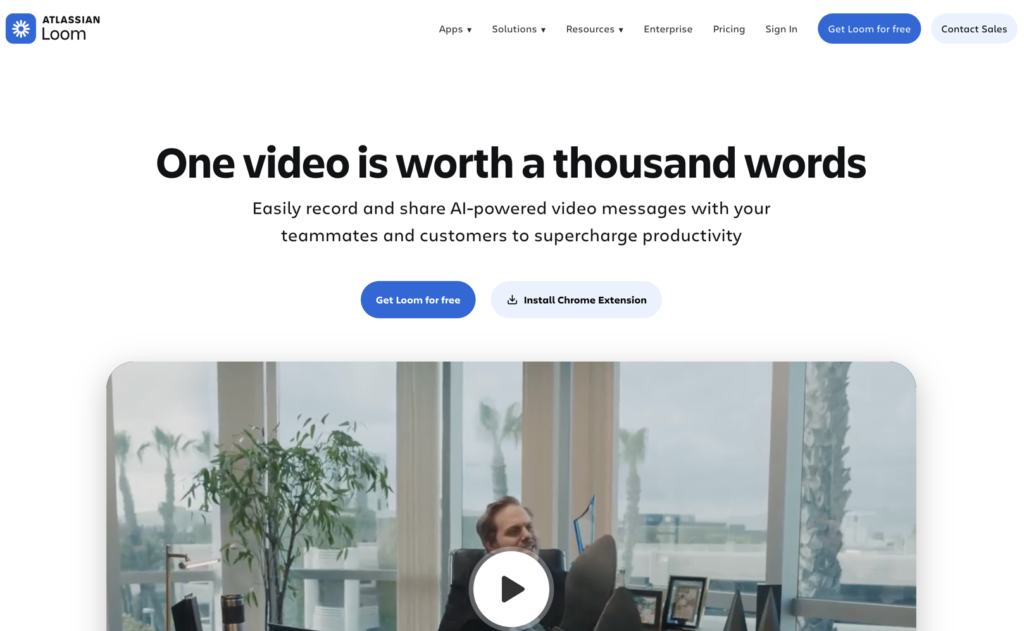
Website: www.loom.com
8. Figma
Figma is a web-based design and prototyping tool. It’s widely used for UI/UX design, but even beginners can use it to create graphics, wireframes, and interactive prototypes. Real-time collaboration allows multiple users to work on a project simultaneously.
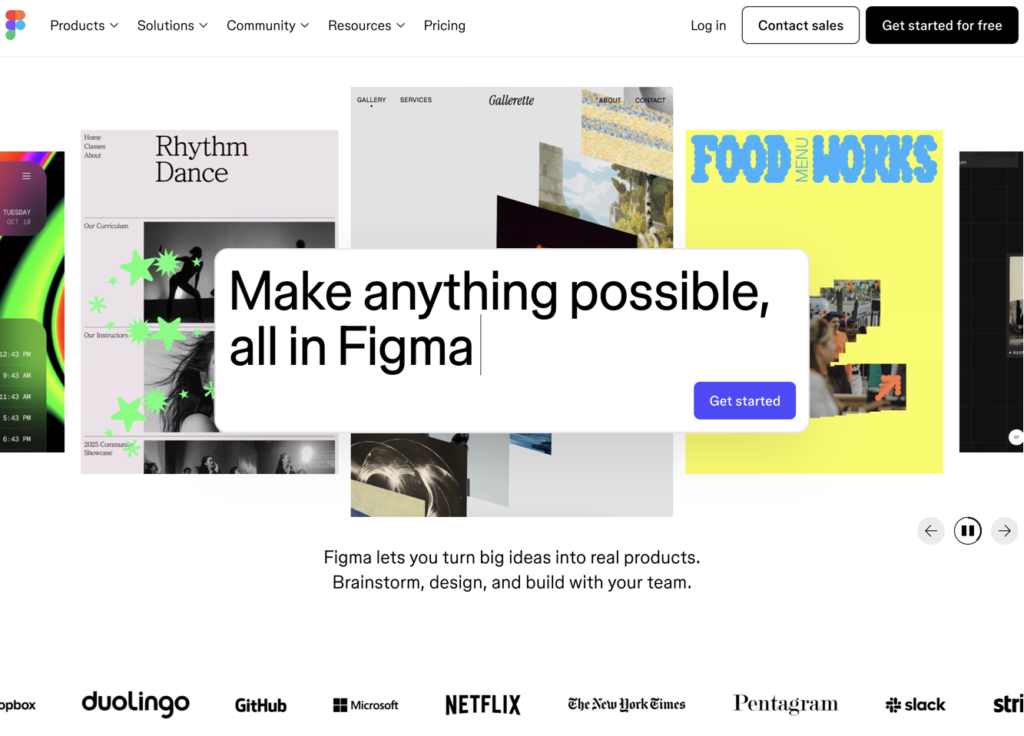
Website: www.figma.com
9. WeVideo
WeVideo is a browser-based video editor that’s perfect for creating quick videos without installing software. It supports trimming, transitions, text overlays, and even stock media. The free plan is enough for casual video editing and sharing online.
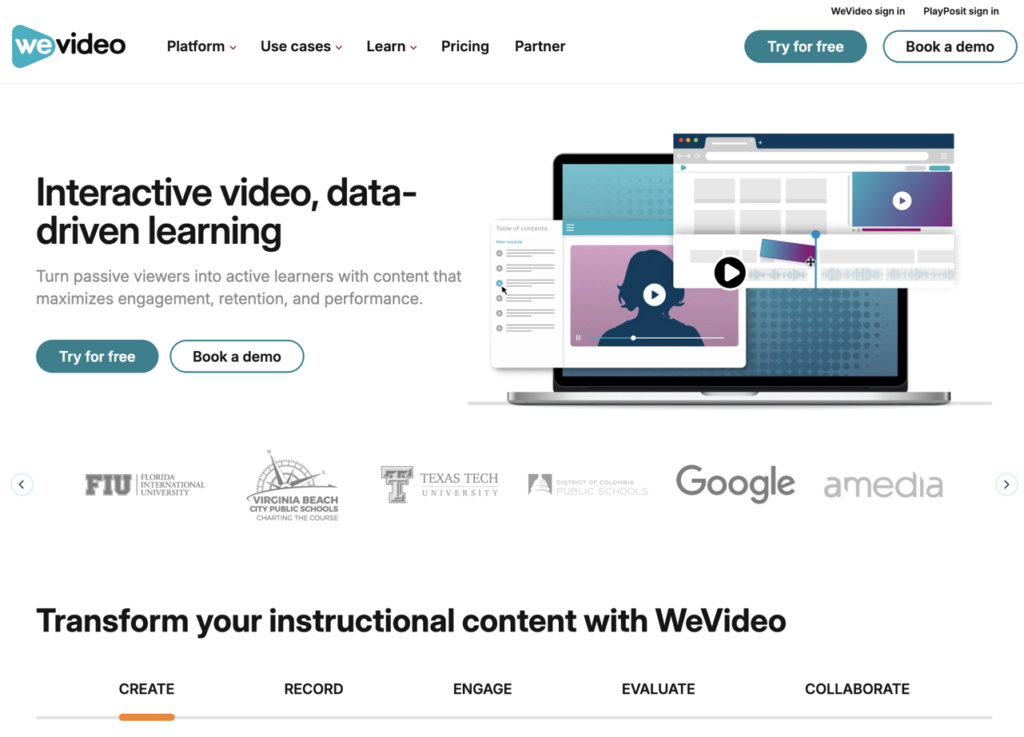
Website: www.wevideo.com
10. Todoist
Todoist is a simple yet effective task management tool. You can create to-do lists, set deadlines, and track your productivity. The web version syncs across devices, so you can manage your tasks from anywhere without installing an app.
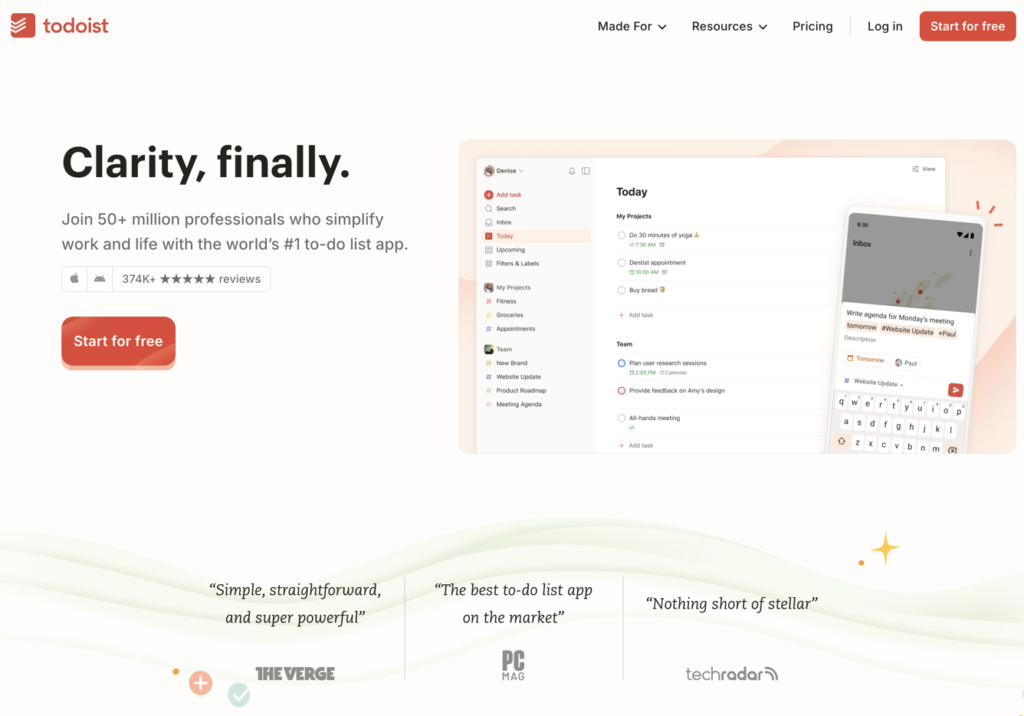
Website: www.todoist.com
Conclusion
The era of downloading bulky software is slowly fading. These free web apps make it easy to stay productive, creative, and organized directly from your browser. They are accessible, lightweight, and perfect for anyone who wants to get things done without worrying about storage or updates.
Start exploring these apps today, and experience productivity without limits!